
Contract Declarations
Contract management is built into your roster now. Declare years on new acquisitions, override rookie deals, exercise team options, and extend rookies — no message board required.
The Full Story
For nineteen years, contract changes in this league have followed the same ritual: post to the message board, tag the commissioner, wait somewhere between two hours and two months, then check back to see if anything actually happened. It had all the efficiency of faxing a lunch order. Missed a deadline because you forgot your message board password and the commish was at his kid's soccer game? Tough. Forgot to declare years on a waiver pickup because you were busy living your life? That's a one-year contract now, and nobody's losing sleep over it except you.
Contract declarations are now built directly into the roster page. Every contract action — from declaring years on a new acquisition to exercising a first-round team option — lives right where you already manage your team. No message board posts. No waiting. Deadlines are tracked automatically, countdowns tick in real time, and the system knows exactly which players are eligible for what. The goal is near-real-time contract updates: you make the call, the league reflects it.
A note on the beta: This is live, but it's running with training wheels. Every declaration you submit goes through a commissioner approval step before it hits the books. This is intentional — we're validating the process, testing the edge cases, and making sure nobody accidentally signs DeAndre Hopkins to a five-year deal when they meant to click three. Once we're confident everything is airtight, the approval step goes away and deadlines enforce themselves. In the meantime, double-check your submissions on the contract declarations page. Trust, but verify.
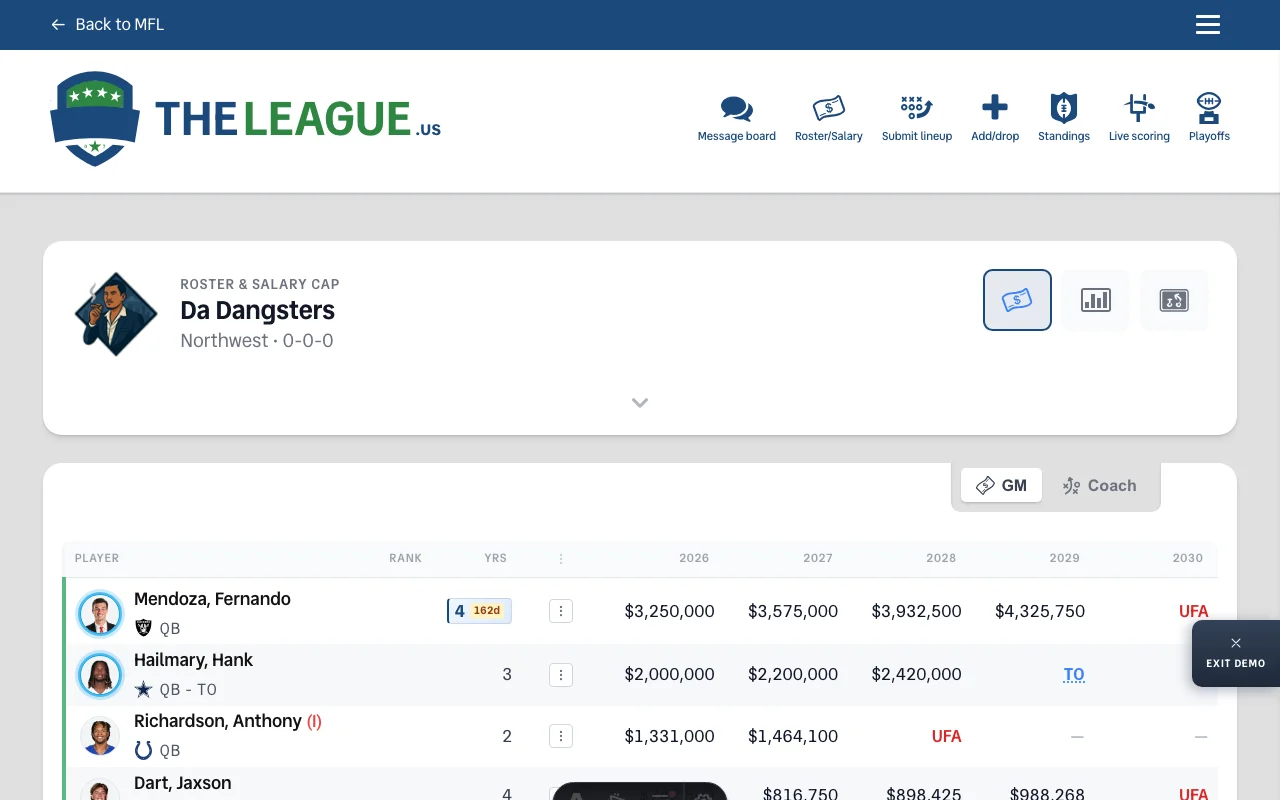
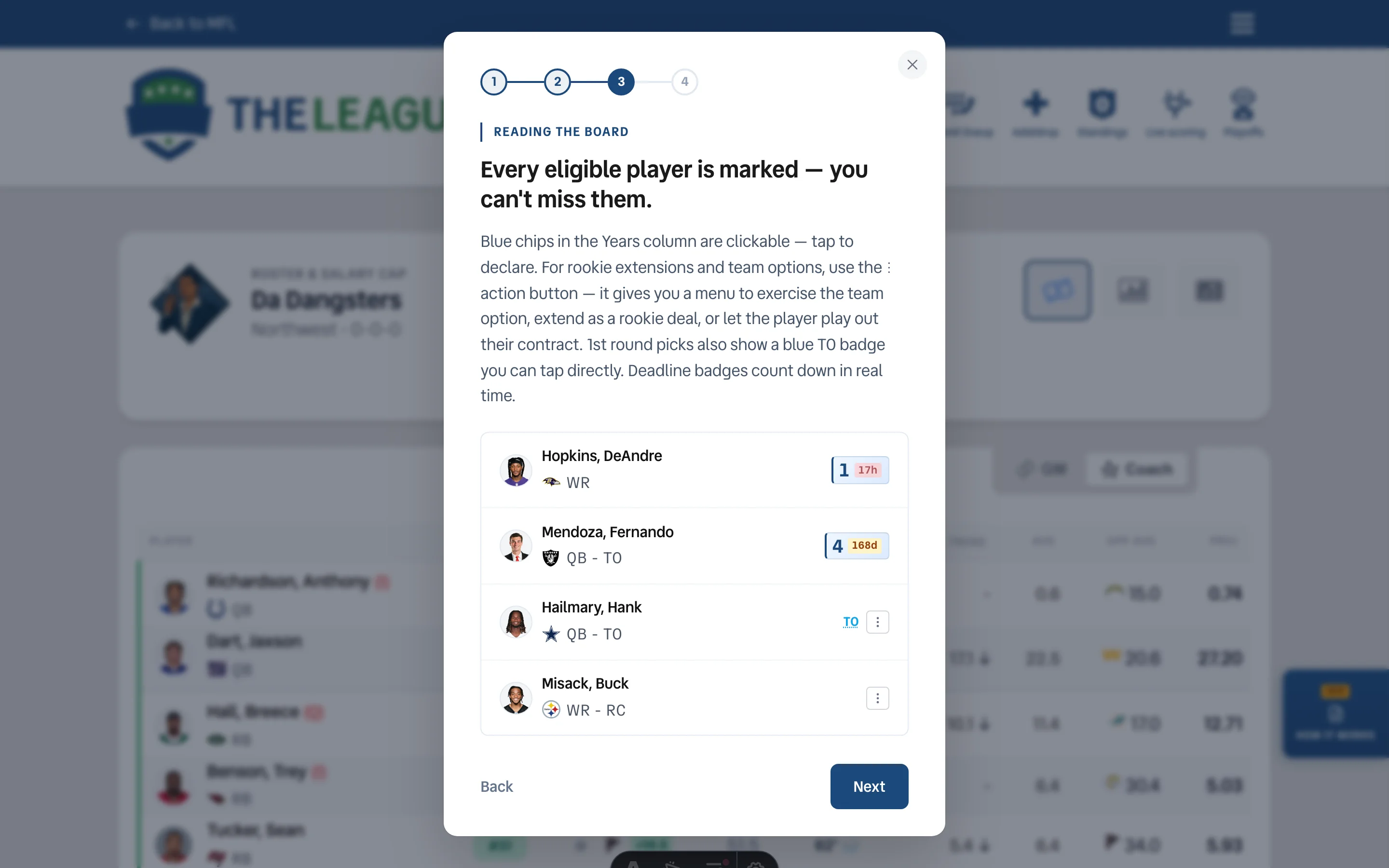
The Tutorial: How It Works — (Retired July 2026 — the tutorial served its purpose once declaration season wrapped.) During the beta there was a "How It Works" button on the right edge of the roster page that walked you through everything in four steps. It's a guided tutorial with demo players, real modals, and zero consequences. Nothing you click in the demo actually submits. Think of it as voluntary OTAs for contract management.
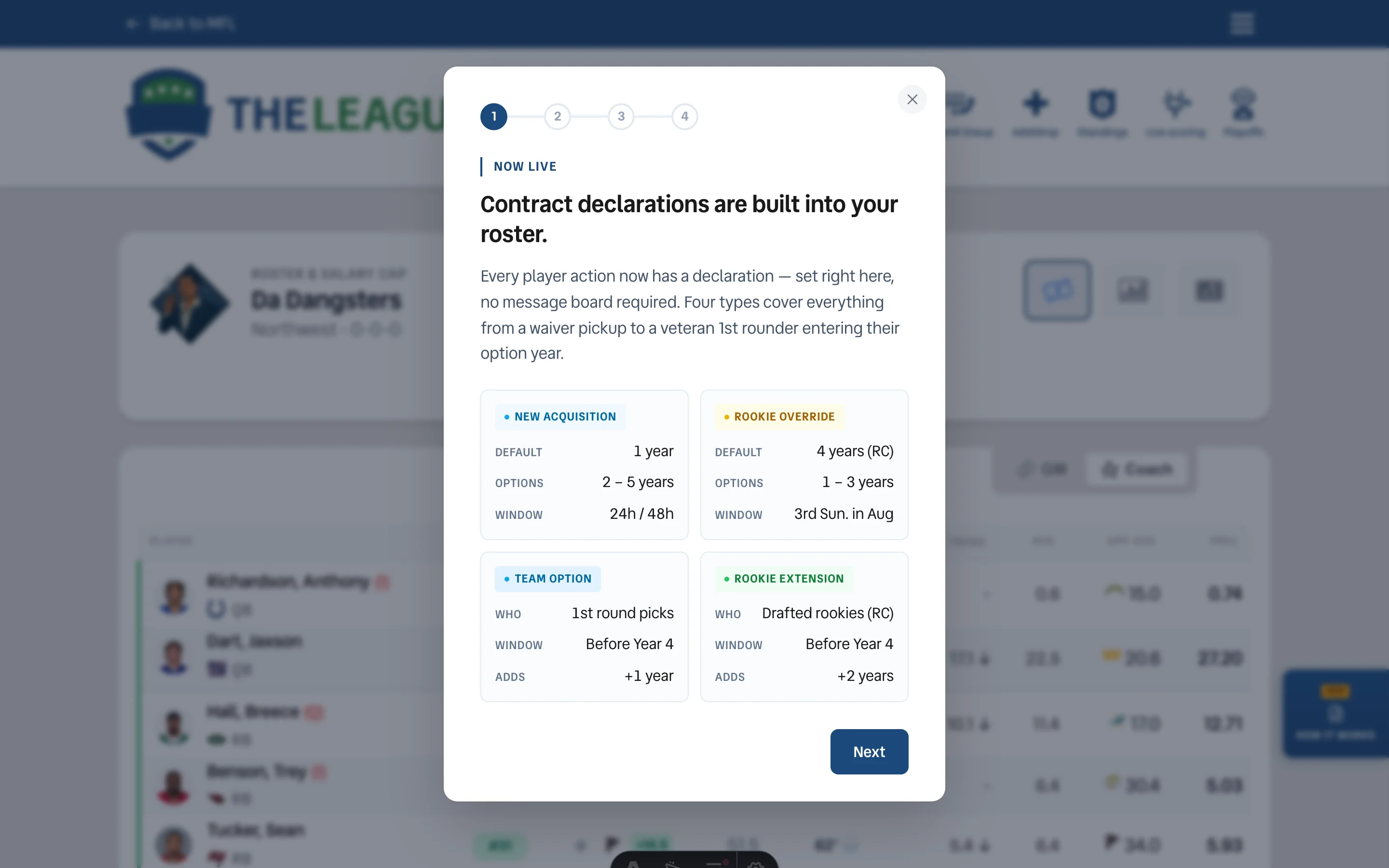
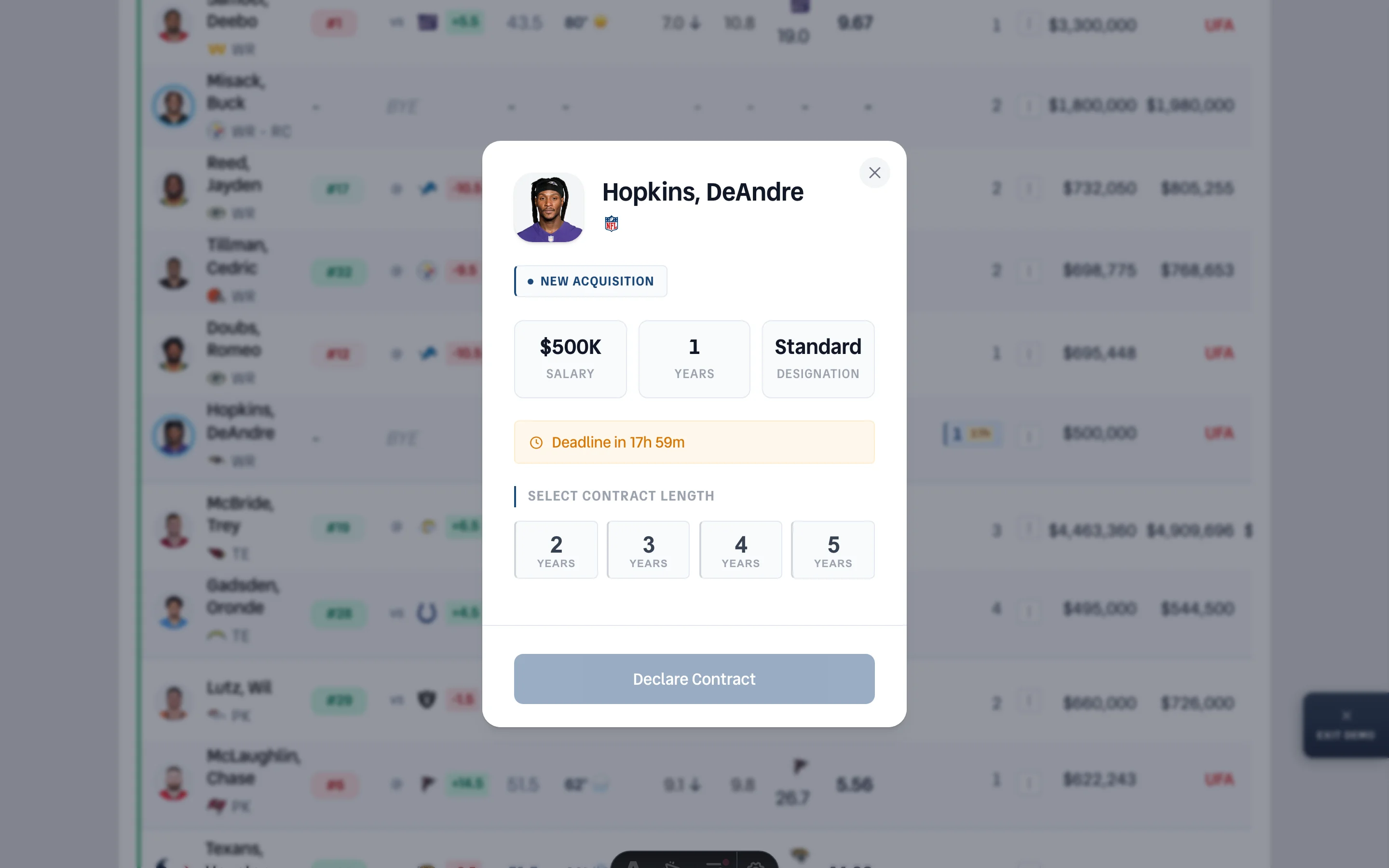
New Acquisition — Every player added via waiver bid or free agent signing defaults to a 1-year contract. You can declare 2 to 5 years within a 24-hour window during the season or 48 hours in the offseason. The blue year chip on your roster shows the current contract length and a live countdown to your deadline. Click it, pick your years, and you're done. Miss the window and the default sticks.
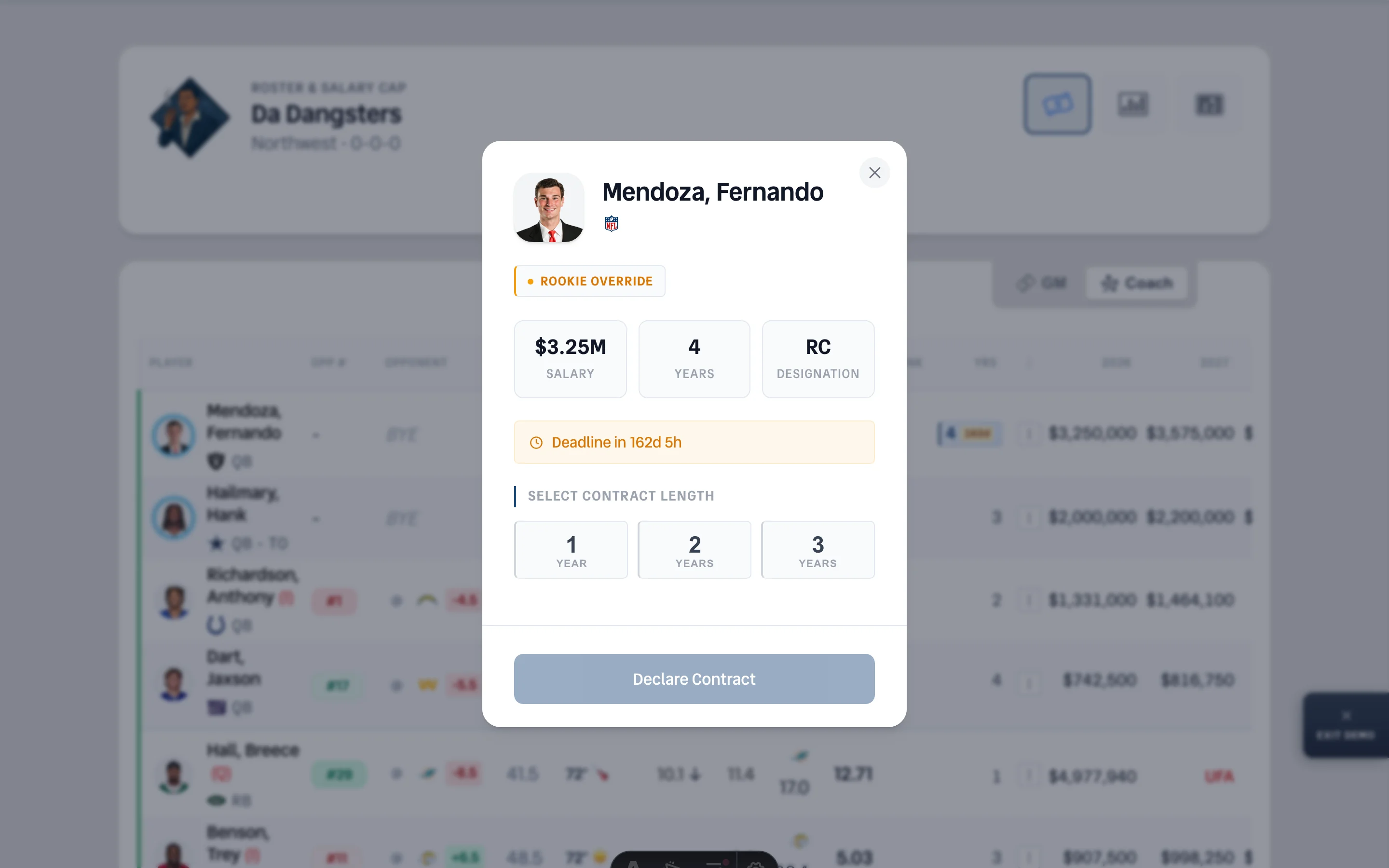
Rookie Override — All drafted rookies start on a 4-year Rookie Contract (RC). If you'd rather commit to fewer years — maybe you're not sold on that third-round tight end lasting four seasons — you can override the default down to 1, 2, or 3 years. The deadline is the third Sunday in August, which gives you most of the offseason to decide. The blue chip shows the 4-year default with a day countdown to the cutoff.
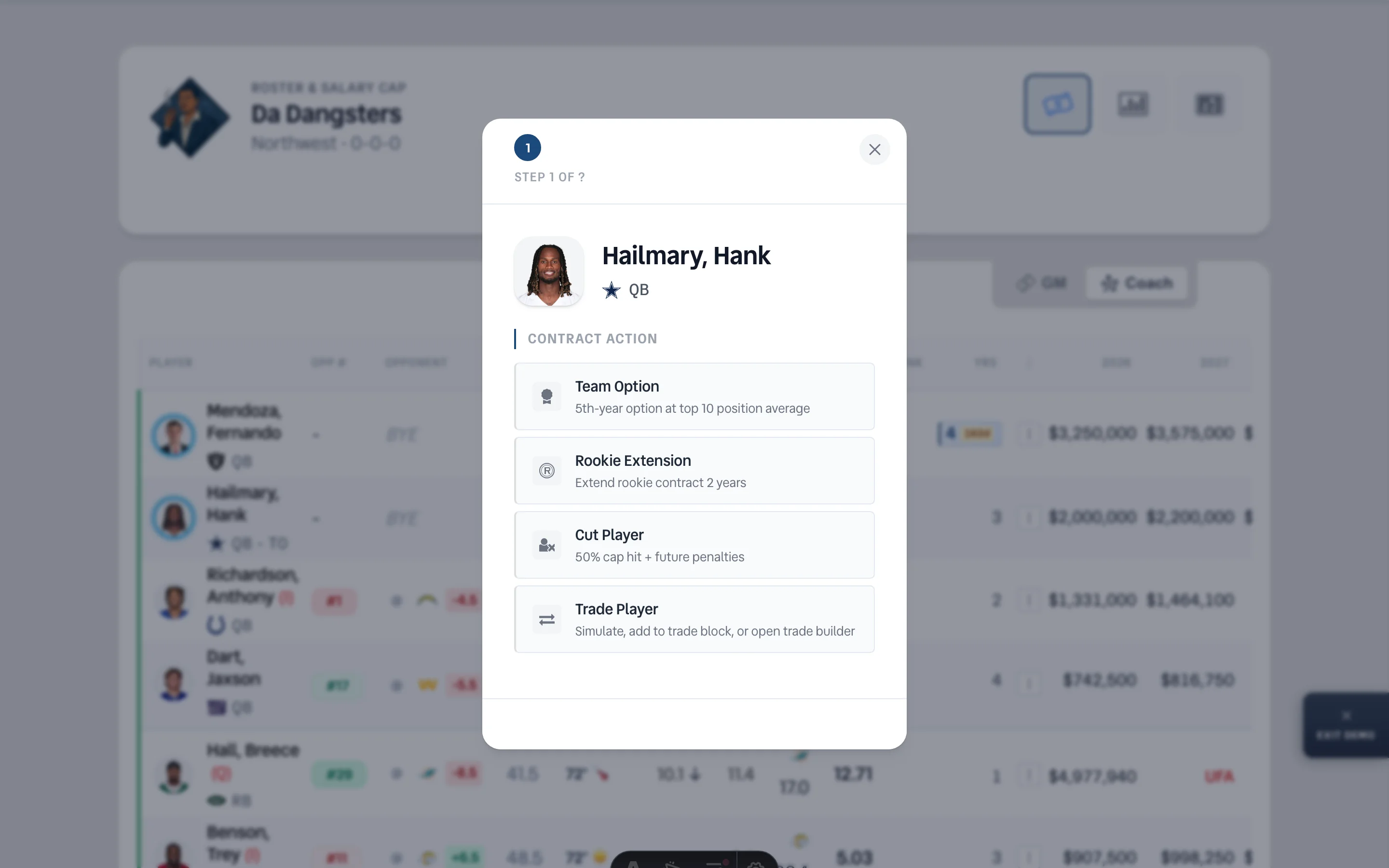
Team Option — First-round picks carry a TO (Team Option) badge, which means before Year 4, you have a decision to make. The action button next to the player gives you three paths: exercise the 5th-year team option at the top-10 positional salary average, extend the rookie deal by two years using the extension formula, or do nothing and let the contract play out. This is the NFL-style decision point that separates dynasty thinkers from dynasty hopers.
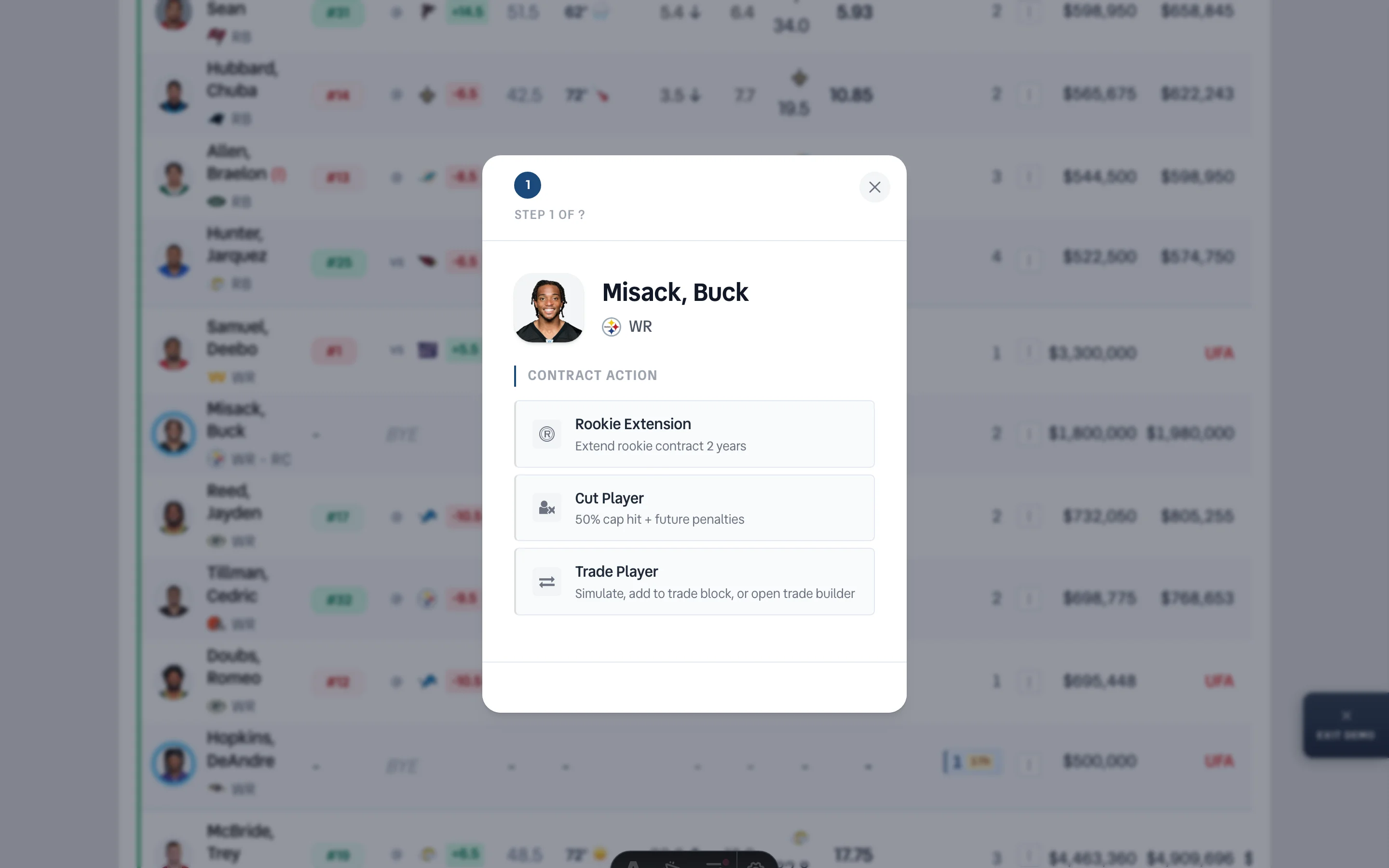
Rookie Extension — Drafted rookies on RC contracts who haven't hit Year 4 yet are eligible for a 2-year extension. The salary formula mirrors the veteran extension calculation: it factors in the top-5 positional salary average and spreads the value across the extended years. The action button walks you through the math — extension value per year, the new combined salary, and a year-by-year projection with 10% annual escalation baked in.
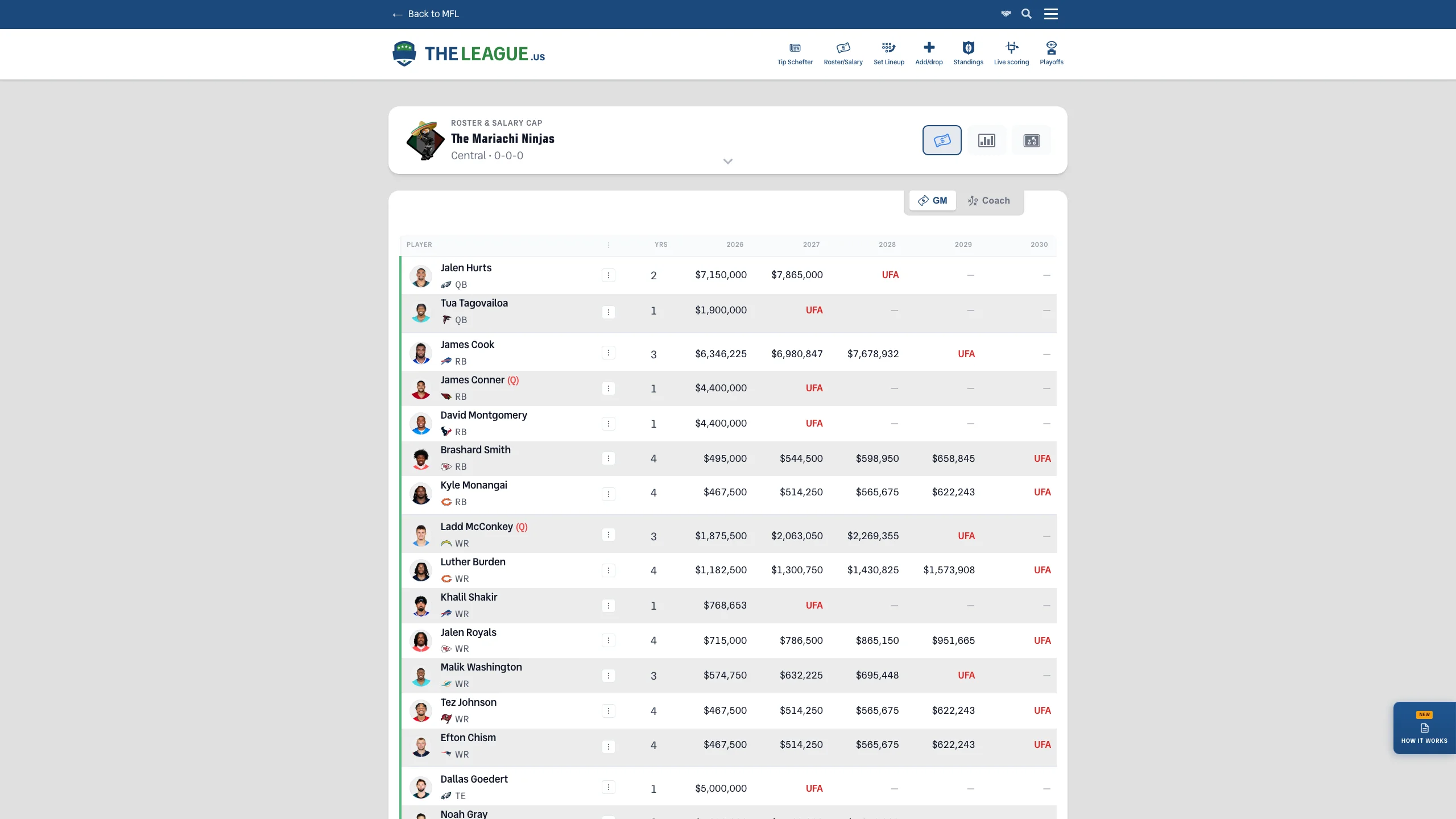
Reading the Board — You don't need to memorize any of this. The roster page marks every eligible player automatically. Blue year chips mean a declaration is available — click to open. TO badges on first-round picks signal the team option decision. Three-dot action buttons appear next to players with multiple paths (extend, option, cut, trade). Deadline badges count down in real time, shifting from days to hours to a red urgent state as time runs out. If a player is eligible for something, you'll see it.
What Happens After You Submit — Your declaration lands in the commissioner's review queue. During this beta period, every submission gets a manual once-over before it's applied to MFL. You'll see a pending status on your roster, and once approved, the contract updates automatically — salary adjustments, year changes, designation updates, all synced. Rejected declarations get flagged with a reason so you can resubmit if needed.
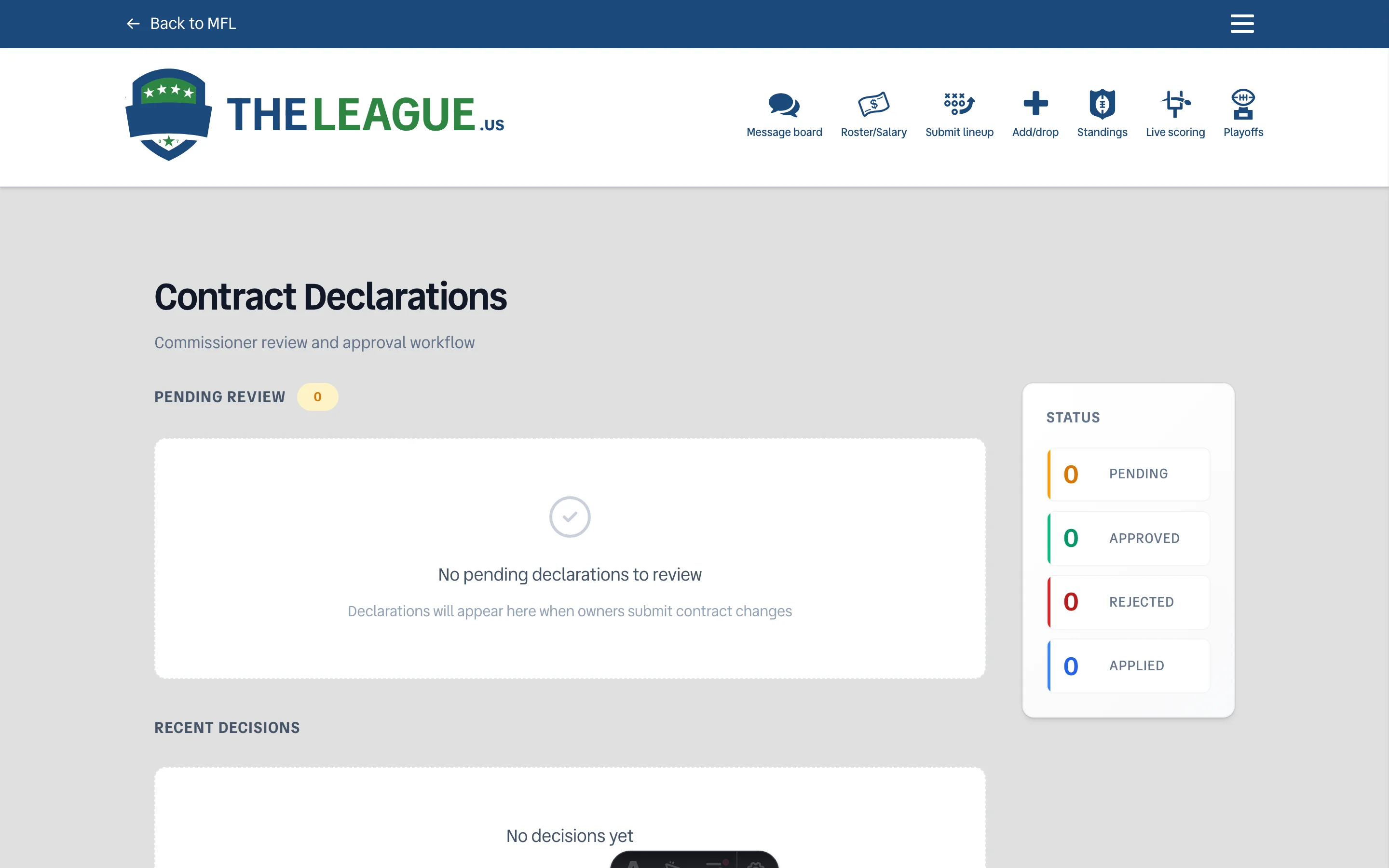
This replaces the message board for contract changes. No more "hey commish, can you update Hopkins to 3 years" posts that get buried under trade chatter and trash talk. Open your roster, click the chip, make the declaration. The demo is there if you want to practice first — four players, four scenarios, zero commitments. And if something looks off after you submit, the declarations page shows every submission, its status, and whether it's been applied. Use it. That's what it's there for.
Message